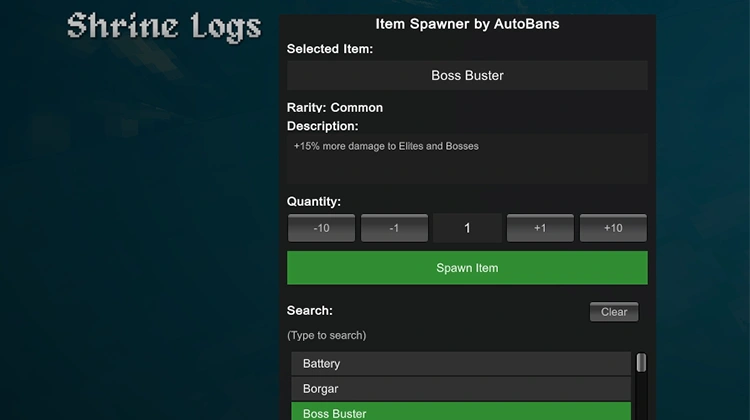
Item Spawner
This mod lets you spawn any item you want right from the game menu.
Just open the escape menu and press your keybind (F5 by default) to bring up the item spawner window. From there, you can scroll through the list of items, pick what you want, set how many to add, and click Spawn Item. The item will appear right in your inventory and be ready to use:

You can change the key that opens the menu in the mod’s config file. If you prefer another key instead of F5, just edit it there and save.
Features
- Simple and clear user interface that opens inside the escape menu
- Full list of in-game items to choose from
- Quick buttons to raise or lower how many you want to spawn
- Items show up right in your inventory after you click Spawn Item
- Works during play without the need to restart the game
- Requires BepInEx
Created by AutoBans